一般
Lens Firmware Update Announcement – V-AF 24/35/45/75/100mm
2024-04-180
[ Firmware Update for the V-AF Lenses ]
Dear V-AF shooters, new firmware is downloadable on the website!
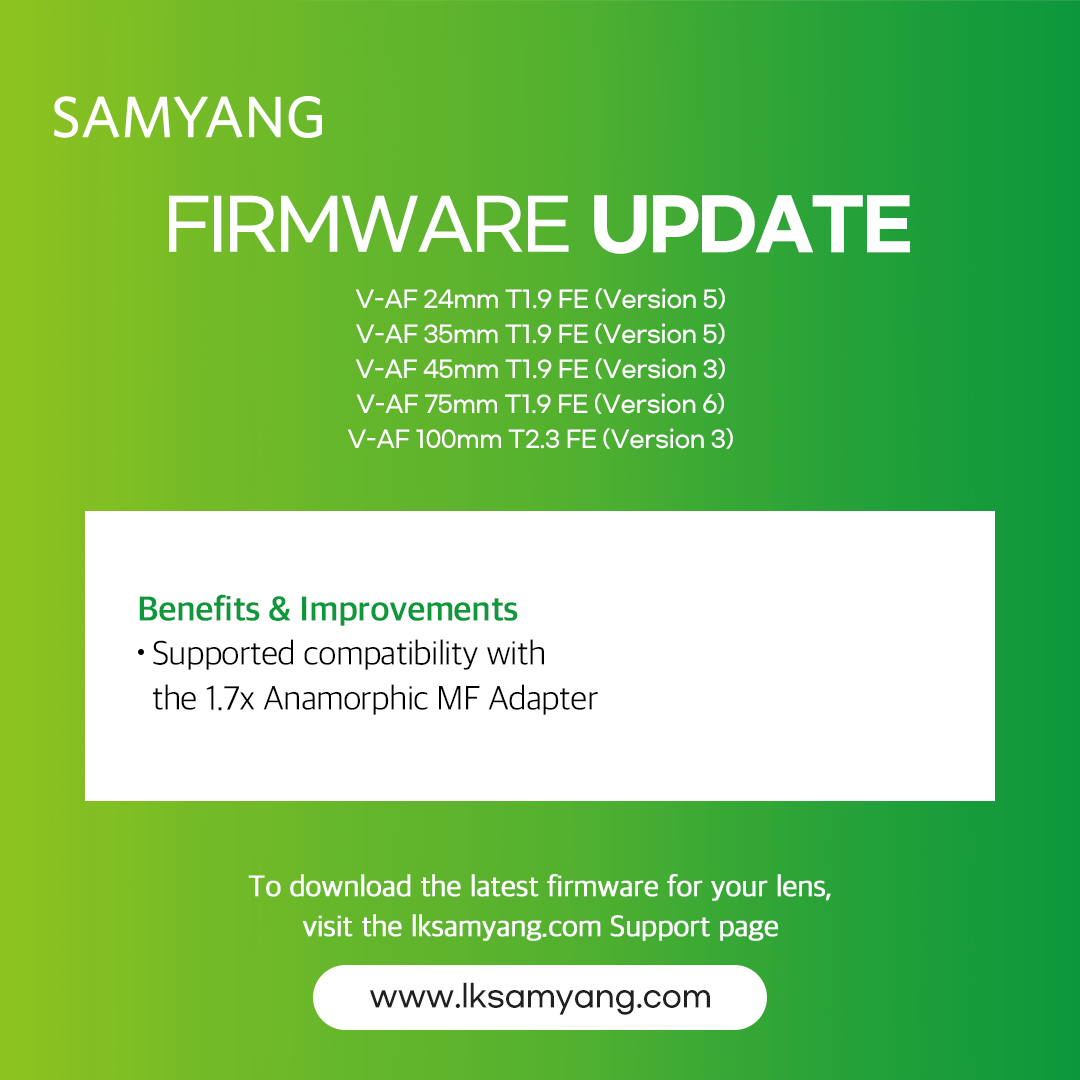
New firmware supported compatibility with the ‘1.7x Anamorphic MF Adapter’.
To use the newly released V-AF Series ‘1.7x Anamorphic MF Adapter’, your existing V-AF lens firmware must be updated to the latest version.
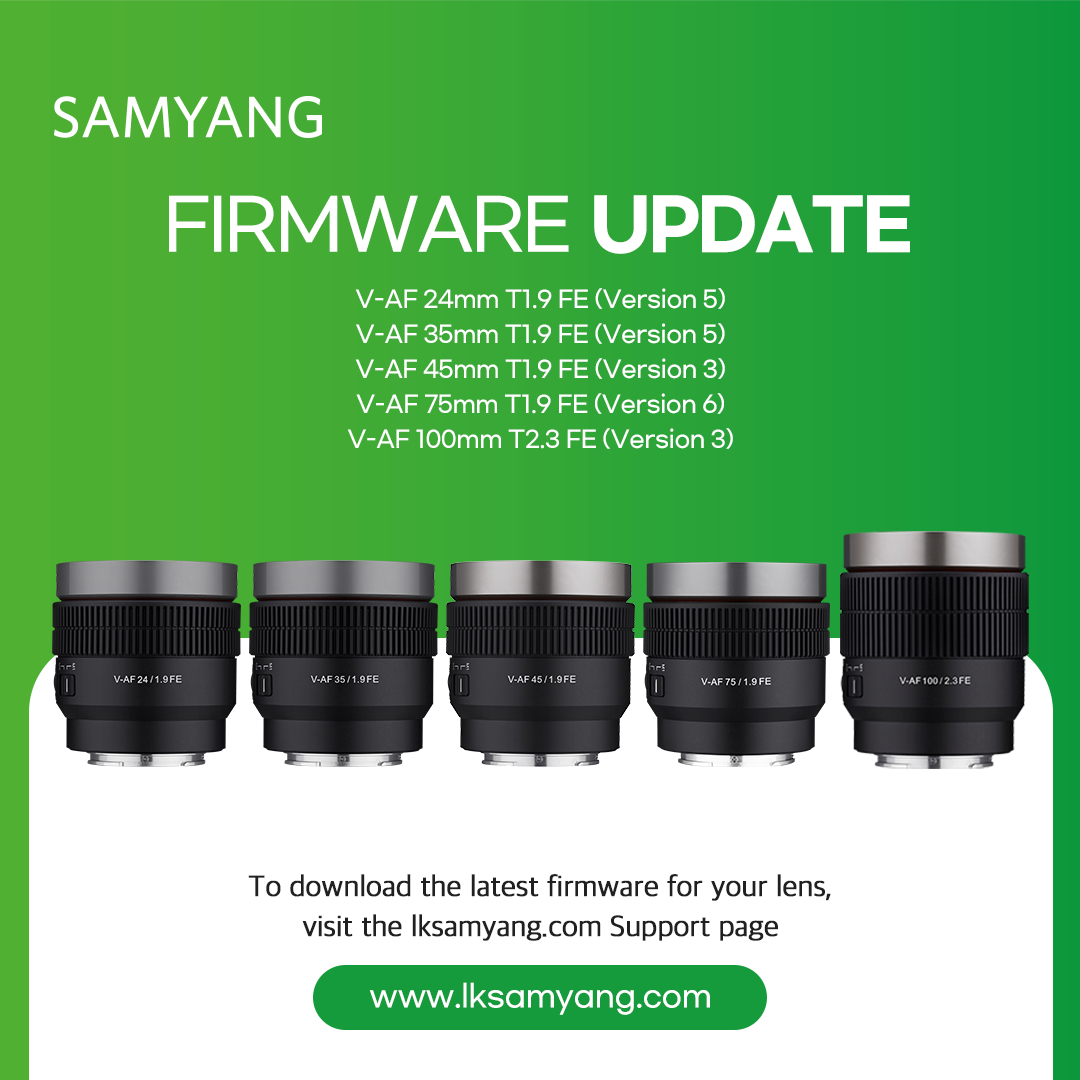
• V-AF 24mm T1.9 FE (Version 5)
• V-AF 35mm T1.9 FE (Version 5)
• V-AF 45mm T1.9 FE (Version 3)
• V-AF 75mm T1.9 FE (Version 6)
• V-AF 100mm T2.3 FE (Version 3)
*The Firmware can be installed using Lens Manager, the dedicated software Lens Station.
*Latest lens manager software: Version 2.74 (Windows) / Version 2.70 (Mac)
✔️ Firmware Download(Link)
✔️ Lens Manager Download(Link)
[V-AF Series Exclusive Accessory Compatibility Firmware Version]
Lens firmware must be updated to the latest version using the lens station to use all the new features of the V-AF Series exclusive accessories: the ‘Manual Focus Adapter’ and the ‘1.7x Anamorphic MF Adapter’.
| Adapter CompatibilityMinimum Firmware Version | Manual Focus Adapter | 1.7x Anamorphic MF Adapter |
|---|---|---|
| V-AF 24mm T1.9 FE | Version 03 ~ | Version 05 ~ |
| V-AF 35mm T1.9 FE | Version 03 ~ | Version 05 ~ |
| V-AF 45mm T1.9 FE | Version 01 ~ | Version 03 ~ |
| V-AF 75mm T1.9 FE | Version 04 ~ | Version 06 ~ |
| V-AF 100mm T2.3 FE | Version 02 ~ | Version 03 ~ |
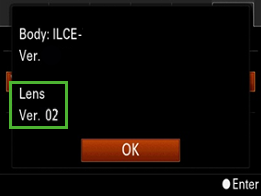
* How to Check Lens Firmware Version (Sony E mount)
1. Please turn on the camera
2. Press the

“MENU” button
3. Select the

“SETUP” option
4. Select the “Version” on the “SETUP”
5. Please check the installed lens firmware version on the “Lens Ver.”